
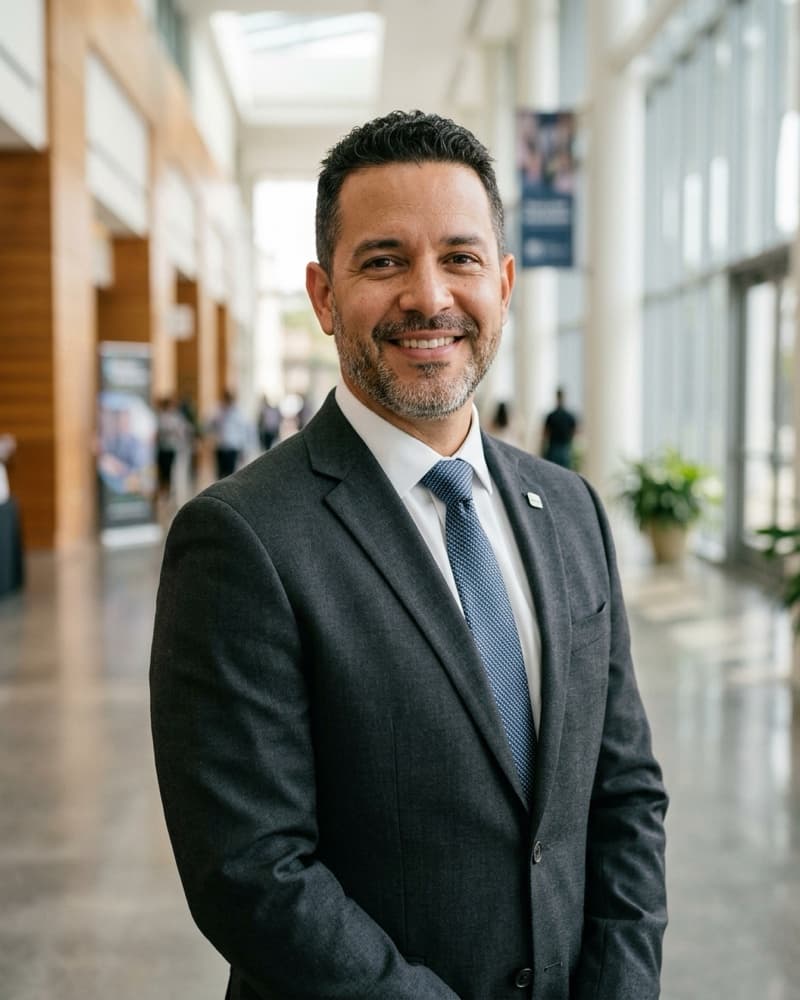
Graham Tolliver-Reyes
Director of Meetings · Institute of Coastal Resilience Planners
Summit 2027 early-bird pricing ends soon — register before it closes.Learn more
Running a board or chapter meeting where some attendees are in the room and some are on a screen, without the remote half checking out.
Live virtual · Virtual
Members $45 · Non-members $95
Graham Tolliver-Reyes, director of meetings at the Institute of Coastal Resilience Planners, runs hybrid sessions from a Miami convention-center concourse and teaches this course alongside Rosalind Kettering, NANA's own director of meetings and events, who has run every NANA Summit since 2014. Between them, they cover a chapter roundtable of a dozen people and a 1,000-person national meeting.
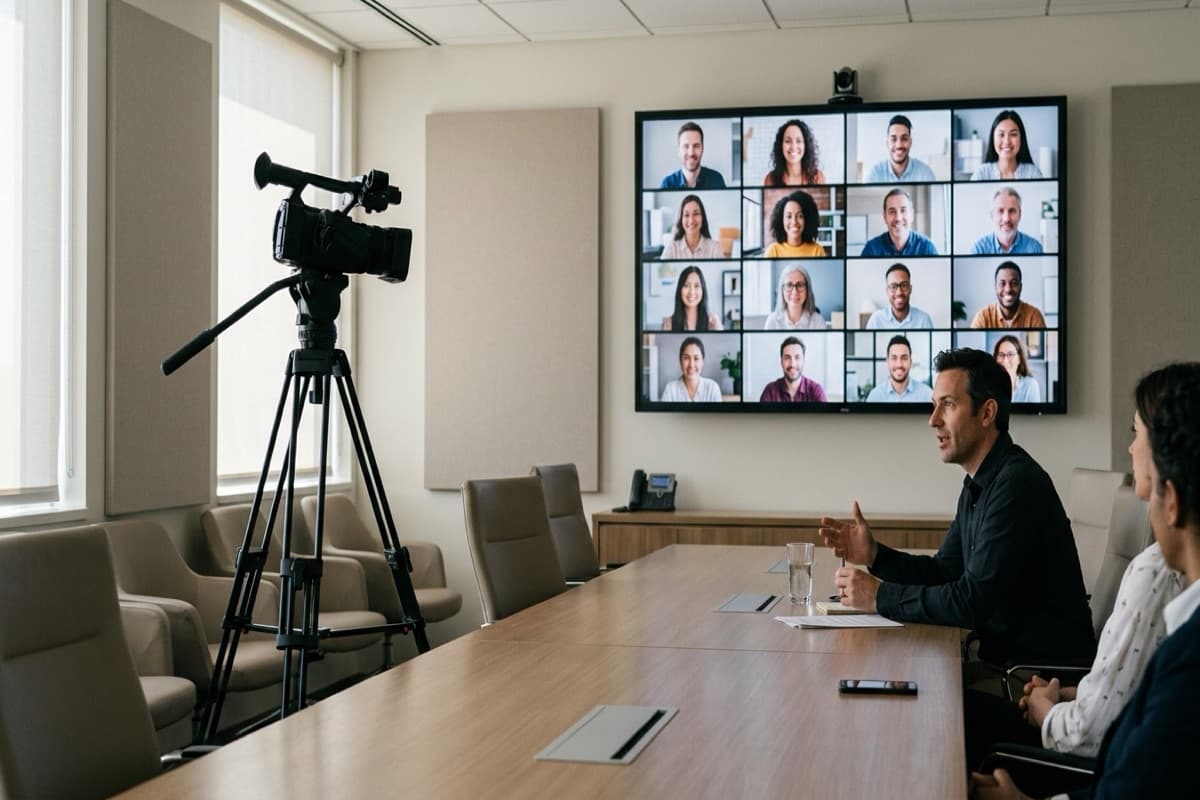
What a hybrid room needs to keep remote attendees from watching the backs of heads: camera placement, a dedicated speaker microphone, and a wall display remote attendees can see themselves on.
Building an agenda that alternates speaking order between the room and the screen instead of running remote attendees as an afterthought at the end. Graham Tolliver-Reyes shares the agenda template his chapter uses for quarterly roundtables.
Assigning a chat-monitor role so remote questions reach the moderator during the meeting, not after. Rosalind Kettering covers how NANA staffs this role at Summit sessions of 200 or more.
Matching a hybrid setup to a chapter's actual AV budget, from a single laptop and ring light to a dedicated conference-room camera system, with cost ranges for each tier and a recommendation for where a small chapter should start.
Chapter chairs, board liaisons, and staff who run recurring meetings with a mix of in-person and remote attendees, from a monthly roundtable to a full board meeting. Bring your next meeting's room layout and AV list; the budgeting module maps directly onto what a chapter already has. Pairs with the Hybrid Meetings Playbook.
Set a camera and microphone layout that keeps remote attendees visible to the room
Write a hybrid meeting agenda that assigns speaking order across both audiences
Run a chat-monitor role that surfaces remote questions in real time
Choose a platform and room setup within a chapter's existing AV budget
Director of Meetings · Institute of Coastal Resilience Planners

Director of Meetings and Events · NANA
Running a board or chapter meeting where some attendees are in the room and some are on a screen, without the remote half checking out.